What ComfiConf is
A web editor for the settings of your server's plugins, and what it never does on your server.
ComfiConf lets you change the settings of your server's plugins in a web editor instead of hand-editing YAML. Plugins that support ComfiConf describe their settings. ComfiConf turns that description into a form with explanations, checks your input, shows you exactly what will change, and hands the change to the plugin, which saves and activates it. You see the real result: applied, saved but waiting for a restart, rejected, or a conflict.
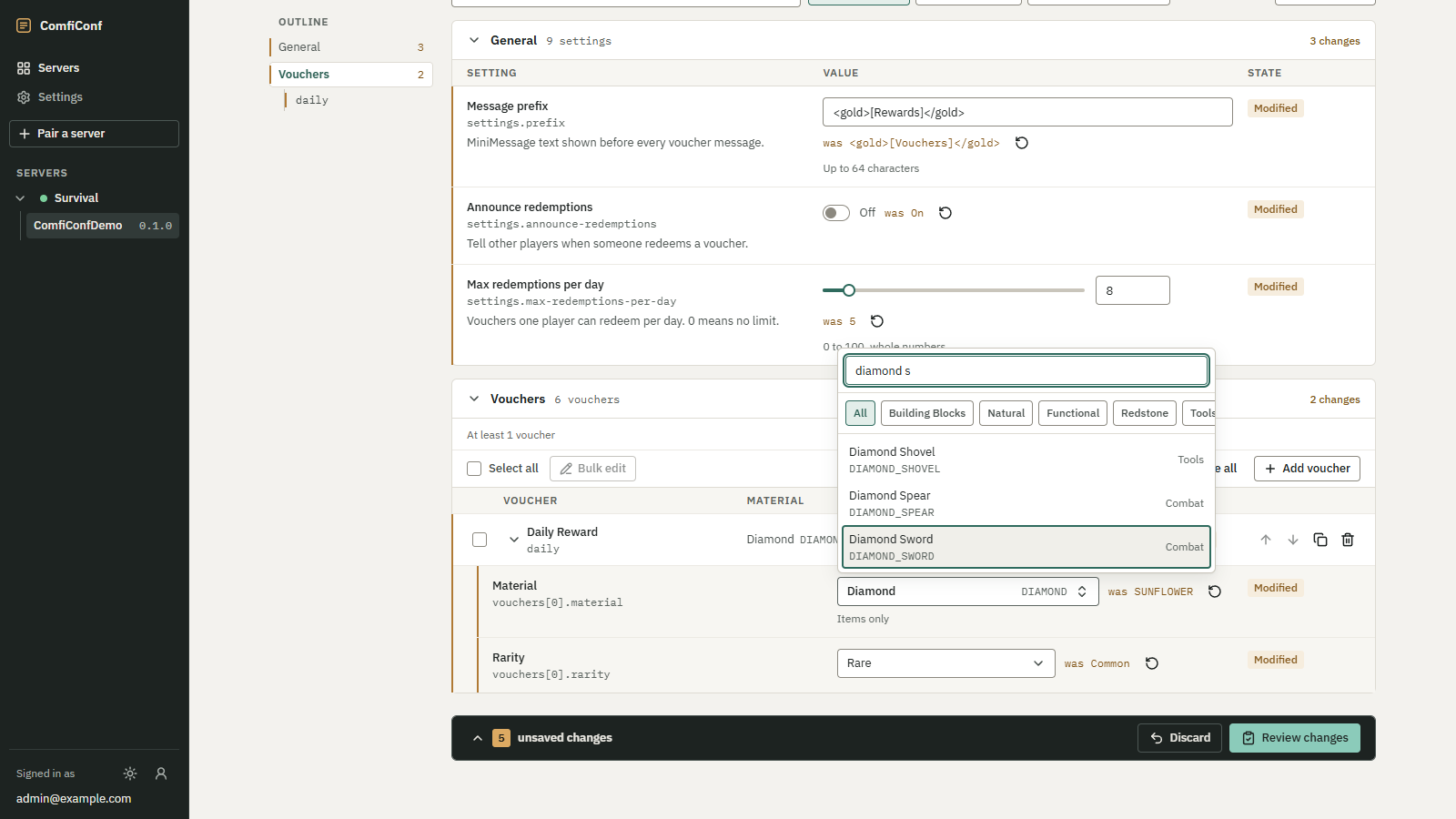 Opens the full-size image.
The three parts
- The ComfiConf bridge, a plugin you install on your Paper or Purpur server. Its file is
ComfiConf-Bridge-0.1.0.jar, and it shows up in your plugin list asComfiConf. - The website at app.comficonf.com, where you sign in, see your servers and edit settings.
- Plugins with ComfiConf support. A plugin's author adds support with the ComfiConf developer API. Plugins without it are never touched. See Supported plugins.
How a change reaches your server
- You open a plugin's settings on the website. The bridge asks the plugin for its settings and their current values.
- You change values. Nothing is sent to your server while you edit.
- You choose Review changes. The plugin checks the new values and reports problems and warnings before anything is saved.
- You choose Apply. The plugin saves the values in its own files and activates them.
- The editor shows what the plugin reports: whether the change is active now, needs a restart, was rejected, or ran into a change made somewhere else in the meantime.
The plugin owns its files. ComfiConf never reports a change as active unless the plugin confirmed it.
What ComfiConf never does on your server
Not a remote file editor
The bridge cannot browse, read or write files, run console commands, or execute code. The website can only read and change the settings that a plugin explicitly exposes through the ComfiConf API, and that plugin decides how they are validated, saved and activated. Plugins without ComfiConf support are never touched.
- No open port. The bridge makes one outbound, encrypted connection to app.comficonf.com. You do not need FTP, SFTP or RCON, and you do not open any port on your server.
- Secrets stay on your server. Settings that a plugin marks as sensitive, such as database passwords or API tokens, are never sent to ComfiConf. You can replace some of them from the website without ever seeing the current value.
- Your server stays fast. All network work runs off the main thread.
What leaves your server lists exactly what the bridge sends.